
Buying a Used Phone in Singapore: The Complete Checklist 2026
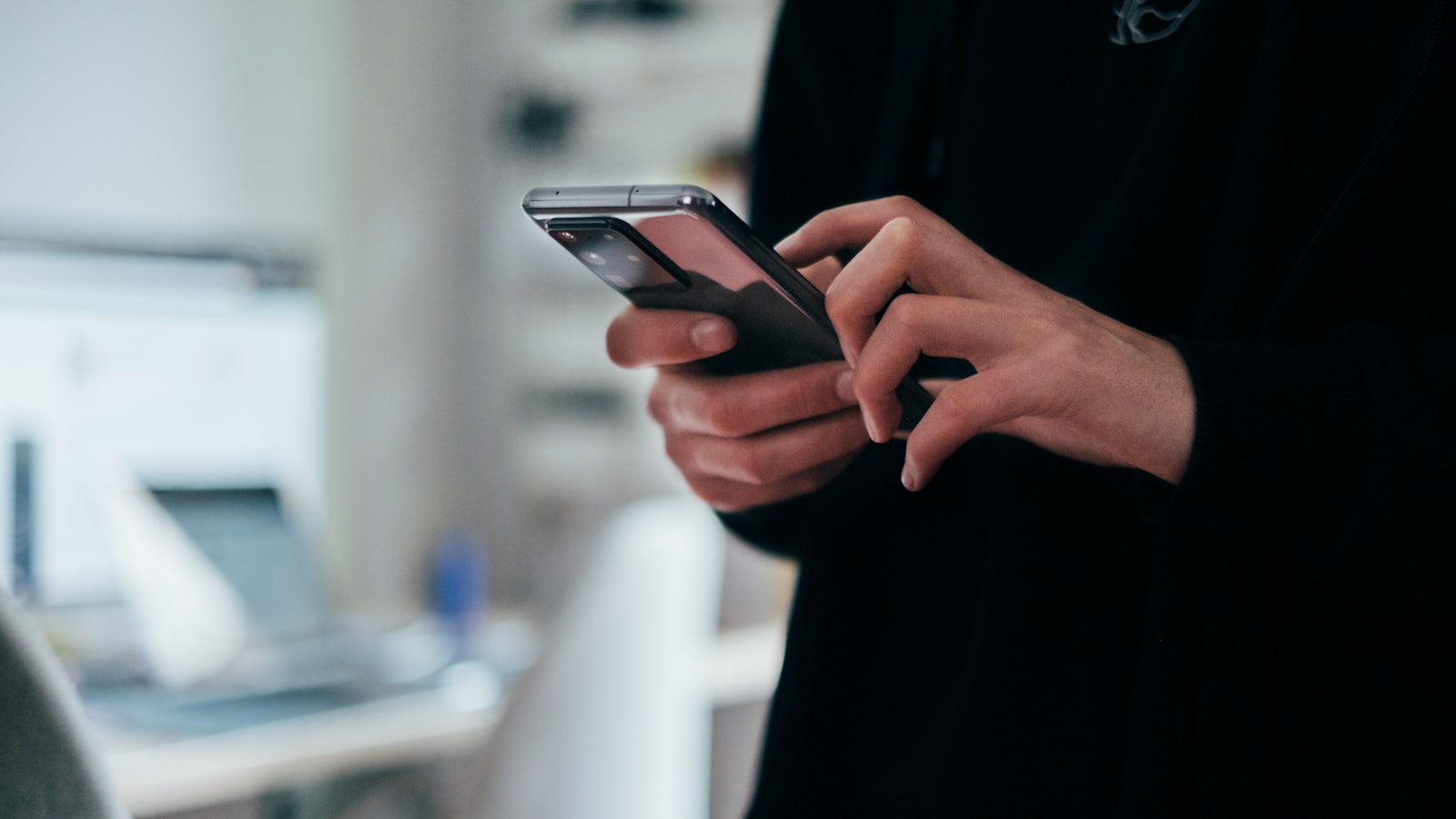
A used phone can save you a lot of money, but it is also one of the easier second-hand items to get burned on. A locked handset, a swollen battery, a screen with faint burn-in, or a phone reported stolen can all look perfect in a photo and turn into a headache once you have paid. The good news is that a careful inspection takes only about fifteen minutes, and this checklist covers everything worth checking before you hand over cash.
Before you meet: the IMEI check
The most important check happens before or right when you meet. Ask the seller for the phone’s IMEI, or dial *#06# on the phone itself to display it. The IMEI is a unique identifier, and you can run it through a reputable IMEI lookup to confirm the model matches what is advertised and, crucially, that the phone is not reported lost, stolen or blacklisted.
A blacklisted phone may be barred from networks, leaving you with an expensive paperweight. If a seller is evasive about the IMEI, gives excuses, or the phone comes back flagged, that is your cue to walk away no matter how good the deal looks. This one check filters out most of the genuinely bad buys.
Confirm the phone is unlocked from the old account
This is the mistake that catches out the most first-time buyers. Modern phones tie themselves to the owner’s account, and if that is not removed, you can be locked out entirely. On an iPhone this is Find My iPhone and activation lock; on Android it is the linked Google account.
Insist that the seller fully factory resets the phone in front of you and signs out of, and removes, their iCloud or Google account. After the reset, set the phone up far enough to confirm it does not ask for the previous owner’s password. If it does, the account has not been removed and the phone is not safe to buy yet. Do not accept promises to remove it later.
Check the battery
Battery wear is the quiet reason many used phones feel old and sluggish. On an iPhone, go to Settings, Battery, then Battery Health to read the maximum capacity; the lower the number, the more worn the battery. On Android the path varies by brand, but you can still judge condition by watching how quickly the battery drops during your inspection and whether the phone runs hot.
Also look at the phone’s shape. A battery that has swollen can push the screen or back panel outward, sometimes creating a slight gap or bulge. That is a safety concern, not a minor flaw, and a reason to decline. Factor the cost and hassle of a battery replacement into any price if the health is low.
Inspect the screen carefully
Look at the screen both on and off, in good light. With the display on a plain white or grey background, check for dead pixels, discolouration, and burn-in, a faint ghost of icons or a status bar that stays visible. Burn-in is common on older OLED phones and cannot be fixed. With the display off, angle the screen to catch cracks, deep scratches or previous repairs.
Run a finger across the whole screen and swipe around to confirm the touch responds everywhere, including the edges and corners, where cracked or poorly repaired screens often go dead.
Test every button, port and camera
Work through the phone methodically. It is tedious, but a five-minute test now beats regret later:
- Buttons: power, volume up and down, and any mute or action button. Press each several times.
- Cameras: open the camera app, test front and rear, switch between lenses, and take a photo to check focus and for spots on the lens.
- Charging port: plug in a cable and confirm it charges, and if relevant that it charges fast. Wobbly or loose ports are a red flag.
- Speakers and mic: play audio and make or record a short clip to check the microphone.
- Connectivity: insert a SIM if you can, and check Wi-Fi, Bluetooth and fingerprint or face unlock.
The principle is the same as inspecting any used electronics: assume nothing works until you have seen it work. The same careful approach applies to bigger buys, as our guide on buying a used laptop in Singapore explains.
Check the software and storage
Beyond the hardware, spend a moment on the software side. Confirm the phone can still receive updates; very old models eventually stop getting security patches, which matters if you will use the phone for banking or SingPass. Check that the storage capacity matches the listing, since a 128GB phone advertised as 256GB is a common way buyers get shortchanged, and confirm there is no unusual carrier lock that ties it to a network you do not use.
It is also worth a quick look for any signs the phone was jailbroken, rooted or running unofficial software, which can cause instability and security issues. A phone running the standard, up-to-date operating system with no strange apps or prompts is the safe outcome. If anything about the software looks off or the seller cannot explain it, factor that into your decision.
Warranty, receipts and pricing
Ask whether any manufacturer warranty remains and whether the seller has the original receipt or box. A phone still under warranty is worth more and gives you a fallback if something fails. Shops in places like Sim Lim Square and Funan may charge a bit more than a private seller but can offer a short warranty of their own, which is worth paying for if you are not confident inspecting.
Be wary of prices that seem too good to be true. A flagship priced far below the going rate is often a sign of something wrong, a locked phone, a stolen handset, or a hidden fault. If you are weighing whether a used phone is even the right buy, our guide on what is worth buying used in Singapore puts it in context, and you can browse more in our buying and selling guides.
Meet safely
Most used phones in Singapore change hands through Carousell or similar platforms, and the transaction itself deserves care. Meet in a busy public place such as an MRT station or mall, in daylight, and bring the full asking amount so you are not fumbling. Do the whole inspection, including the reset and account removal, before you pay. If a seller pressures you to rush, pay first, or meet somewhere isolated, treat it as a warning. Our Carousell buying and selling safety guide covers meetups, payment and avoiding scams in detail.
The bottom line
Buying a used phone is a great way to save money as long as you refuse to skip the checks. Run the IMEI to rule out a stolen or blacklisted handset, insist on a full factory reset with the old iCloud or Google account removed, and test the battery, screen and every button, port and camera in person. Confirm any remaining warranty, be suspicious of deals that look too cheap, and meet somewhere safe. Do all of that and a second-hand phone becomes one of the smartest buys in your home tech budget.
Frequently asked questions
How do I check if a used phone is stolen?
Dial *#06# to get the IMEI, then check it against a reputable IMEI lookup or blacklist service. If the seller refuses to share the IMEI or the phone shows as lost or blacklisted, walk away.
What is activation lock and why does it matter?
Activation lock (Find My iPhone on Apple, or a linked Google account on Android) ties the phone to the previous owner's account. If it is not removed, the phone can be unusable to you. Confirm the account is signed out and removed before paying.
How do I check battery health on a used phone?
On an iPhone, go to Settings, Battery, then Battery Health to see maximum capacity. On Android it varies by brand, but you can gauge it by how fast it drains during your inspection. A worn battery is a common reason used phones feel sluggish.
Where can I buy used phones safely in Singapore?
Common options include Carousell and mobile phone shops in places like Sim Lim Square and Funan. Shops may cost a bit more but can offer some warranty; private sellers are cheaper but require you to inspect carefully.
How do I find the IMEI of a used phone?
Ask the seller for the IMEI, or dial *#06# on the phone itself to display it. Run it through a reputable IMEI lookup to confirm the model matches the advertisement and that the phone is not reported lost, stolen or blacklisted. If a seller is evasive about it, walk away.
What should I test on a used phone besides the screen and battery?
Press every button several times, test front and rear cameras and lenses by taking a photo, plug in a cable to confirm the charging port works and is not wobbly, play audio and record a short clip for the microphone, and check Wi-Fi, Bluetooth and the fingerprint sensor.
How do I check a used phone screen for burn-in or damage?
Look at the screen both on and off in good light. On a plain white or grey background, check for dead pixels, discolouration and burn-in, which is common on older OLED phones and cannot be fixed. Swipe across the whole screen to confirm touch works at the edges and corners.
Is a swollen battery on a used phone a dealbreaker?
Yes, a swollen battery is a safety concern, not a minor flaw, and a reason to decline. It can push the screen or back panel outward, sometimes creating a slight gap or bulge. For low battery health that is not swollen, factor the cost of replacement into the price.
More in Appliances & Electronics
See all
What Size TV for Your Bedroom? A Simple Guide
What TV size for your bedroom? Our Singapore guide matches screen inches to viewing distance, factoring in 4K, HDB bedroom sizes, wall…

Washing Machine Capacity: What kg Size Do You Need?
Confused by washing machine capacity? Our guide maps kg drum size to household size in Singapore, so you buy the right washer…

Standing Fan Not Working? How to Fix It (2026)
Standing fan not working — dead, spinning slowly, humming or not oscillating? Unplug first, then work through the safe DIY checks before…