
Standing Fan Not Working? How to Fix It (2026)
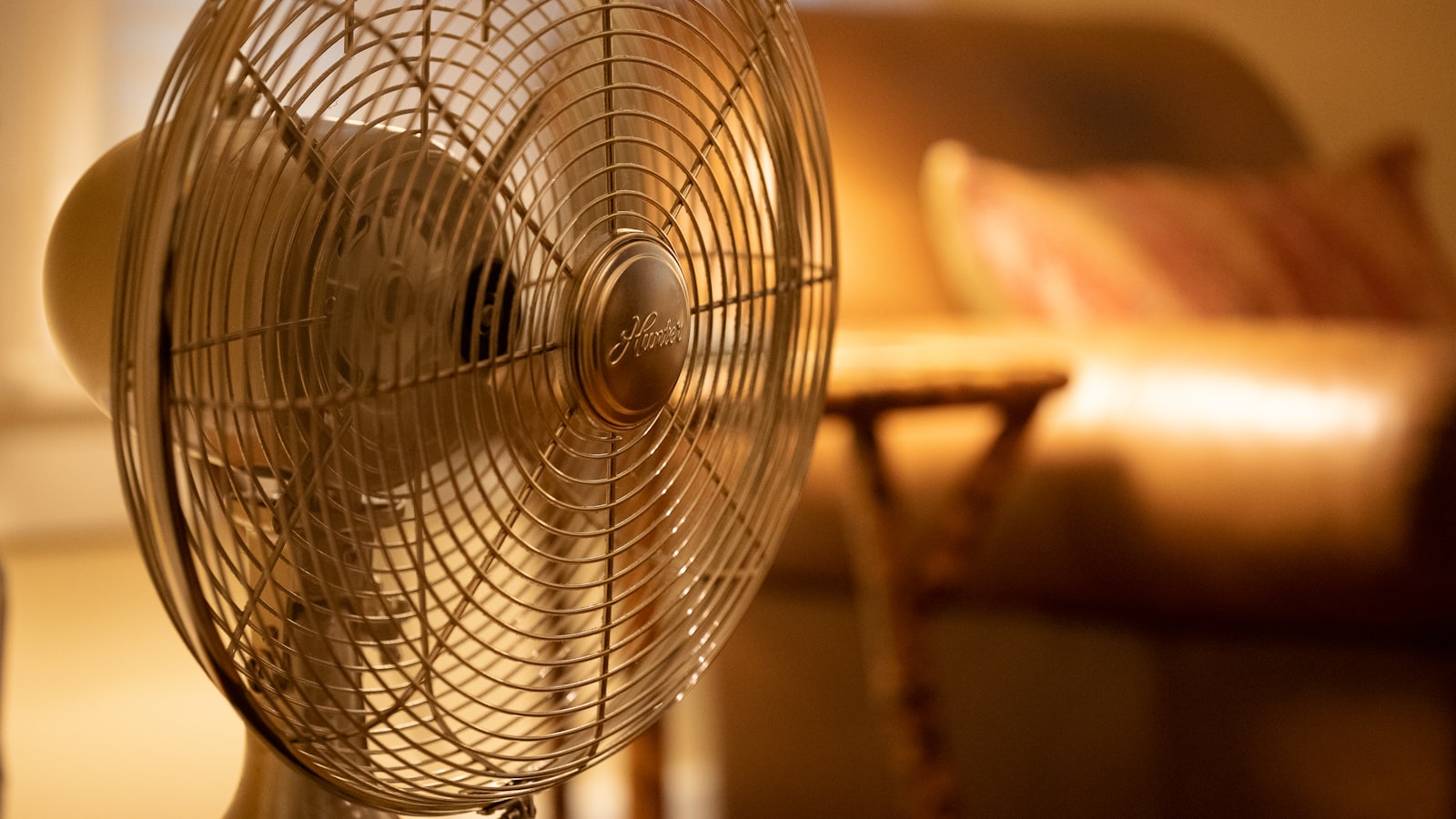
When a standing fan quits during a Singapore heatwave, it goes from background appliance to urgent problem in about thirty seconds. But before you drag it to the bin and buy another, it’s worth knowing that most standing-fan failures come from a short list of cheap, well-understood parts — and several of them you can sort out yourself at the dining table. Others are best left alone. The key is knowing which is which, and doing everything in the right order, starting with the one rule that matters most.
Safety first: unplug before you touch anything
This isn’t a formality. A fan that has stalled — humming but not turning — still has power reaching the motor, and the moment you free the blades or a bearing unsticks, it can lurch into sudden motion and catch your fingers. Any time you’re going to touch the blades, the switch, the back of the motor or the base, pull the plug out of the socket first, not just switch it off at the wall. Work on a fan that is fully disconnected, every time. With that non-negotiable out of the way, let’s diagnose.
Completely dead: start at the plug
If nothing happens at all — no hum, no light, no movement — the fault is very often before the motor even gets involved. Check these in order, fan unplugged between steps:
- The socket: plug something else in to confirm the wall socket is live and switched on. Sockets and their switches fail more often than people think.
- The plug and fuse: in Singapore’s three-pin plugs there’s a fuse inside. A blown fuse is a common, five-minute, low-cost fix — and if a new fuse blows again immediately, stop, because that signals a deeper electrical fault.
- The cord: run your hand along the flex for nicks, crush damage or a spot that’s gone stiff or discoloured. A damaged cord is a shock and fire risk — don’t tape it, replace the fan or have the cord professionally replaced.
- The switch or buttons: if the fan is dead only on some speeds, or the push-buttons feel mushy, the speed switch may have failed internally.
Hums but won’t spin: the capacitor or a seized bearing
This is the most telling symptom. A motor that buzzes or hums but won’t turn is getting power but can’t start rotating, and there are two usual suspects. First, unplug it and spin the blades by hand. If they’re stiff, notchy or won’t coast freely, the motor bearing is clogged with years of dust and dried-out lubricant — very common in our climate. Cleaning around the shaft and adding a couple of drops of light machine oil where the shaft enters the housing can free it up.
If the blades spin freely by hand but the fan still only hums under power, the likely culprit is the start capacitor — a small component that gives the motor its initial push. Capacitors weaken and fail with age, and a dead one leaves a healthy motor unable to start. It’s a cheap part, but replacing it means opening the motor housing, so read the caution further down before deciding whether that’s a job for you.
Spinning slowly or weakly
A fan that turns but feels gutless usually has one of the same two problems in milder form. A bearing that’s dragging with dust and old grease robs the motor of speed — clean the blades, the guard and the shaft area, since caked-on grime genuinely slows things down and unbalances the blades. If it’s clean and freely spinning but still weak on the top setting, the capacitor is probably on its way out. Balance matters too: a wobbling, noisy fan often just has an unbalanced or slightly bent blade or a loose hub nut, all of which you can check and tighten by hand.
Won’t oscillate: the gearbox and clutch knob
If the fan blows fine but the head no longer swings side to side, oscillation is a self-contained system and rarely a serious fault. Start at the back of the motor housing: there’s a clutch knob or lever that engages and disengages oscillation, and it slips into the “off” position constantly — sometimes just from being knocked. Push it down or engage it and test.
If the knob is engaged and the head still won’t move, the small plastic oscillation gears inside the gearbox have almost certainly worn or stripped — one of the most common standing-fan failures there is. Replacement gear sets are inexpensive and, on many fans, accessible from a small cover at the rear. It’s one of the more satisfying DIY fixes, though again it means opening a housing, so weigh that against the value of the fan.
When to stop and replace instead
Here’s the honest line on DIY. Cleaning, oiling the shaft, tightening blades, engaging the oscillation knob, replacing a plug fuse and swapping accessible oscillation gears are all reasonable if you’re careful and the fan is unplugged. What you should not do is dismantle and rewind a burnt-out motor, or attempt anything if you smell burning, see scorching, or a new fuse blows straight away — those point to an electrical fault, and a fan cheap enough to replace isn’t worth the risk. If any repair involves mains wiring you’re not confident with, treat it as a licensed-electrician job rather than a guess.
Cost is the deciding factor. As a rough 2026 guide, a basic standing fan in Singapore is inexpensive enough that paying a repair shop for labour plus parts on a budget unit often approaches the price of a new one — verify current prices before committing. For a well-built or higher-end fan, a capacitor or gear swap is clearly worth it. Our guide on whether to repair or replace an appliance lays out that trade-off, and how long appliances typically last helps you judge whether yours has simply reached the end of the road.
Getting more life and lower cost from a working fan
Once it’s running again, a little upkeep goes a long way in Singapore’s dusty, humid air. Clean the blades and guard regularly — a dust-loaded fan works harder, runs slower and wobbles — and store it somewhere dry if you box it up during cooler spells. Fans are also one of the cheapest appliances in the house to run, which is exactly why they’re such a useful tool for staying comfortable without cranking the aircon; our tips on cutting your electricity bill in Singapore and the numbers in our appliance running costs guide show just how much a fan can offset air-conditioning use across a month.
The bottom line
A standing fan that stops working is usually cheap and satisfying to fix — but only if you go about it safely. Unplug it first, always. Check the plug, fuse, cord and switch before blaming the motor. A hum without spin means a seized bearing or a tired capacitor; a slow fan usually just needs cleaning; and lost oscillation is almost always the clutch knob or worn gears. Draw the line at rewinding motors, damaged cords or repeat-blowing fuses — and when a budget fan needs more than a quick part, replacing it is the smarter call.
Frequently asked questions
Why does my standing fan hum but not spin?
Classic sign of a failing start capacitor or a seized motor bearing stiff with dust and dried grease. Unplug it, and check the blades spin freely by hand. If they're stiff, cleaning and a little light machine oil on the shaft may help; if they spin freely but the fan still only hums, the capacitor has likely failed.
Why has my standing fan stopped oscillating?
Oscillation runs off a small gearbox and a clutch knob at the back of the motor housing. First check that knob is pushed down or engaged, since it disengages easily. If it's engaged and the head still won't swing, the plastic oscillation gears have probably worn out — a common, low-cost failure.
Why is my standing fan running slowly?
Usually dust and dried lubricant clogging the motor bearing, making the shaft drag, or a weakening capacitor no longer driving full speed. Unplug it, clean the blades and shaft area, and check the blades turn freely by hand. If it stays slow on the highest setting, the capacitor or motor is ageing.
Is it worth repairing a standing fan?
For a cheap fan, often not — a replacement capacitor or gear set can cost a fair fraction of a new budget fan once you factor in effort. For a good-quality or higher-end fan, a simple part swap is usually well worth it. Never pay to have the sealed motor rewound; replace the fan instead.
More in Appliances & Electronics
See all
What Size TV for Your Bedroom? A Simple Guide
What TV size for your bedroom? Our Singapore guide matches screen inches to viewing distance, factoring in 4K, HDB bedroom sizes, wall…

Washing Machine Capacity: What kg Size Do You Need?
Confused by washing machine capacity? Our guide maps kg drum size to household size in Singapore, so you buy the right washer…

Induction Hob Not Working? Common Fixes (2026)
Induction hob not working — not heating, flashing an error code or dead? Work through the safe DIY checks first, then know…